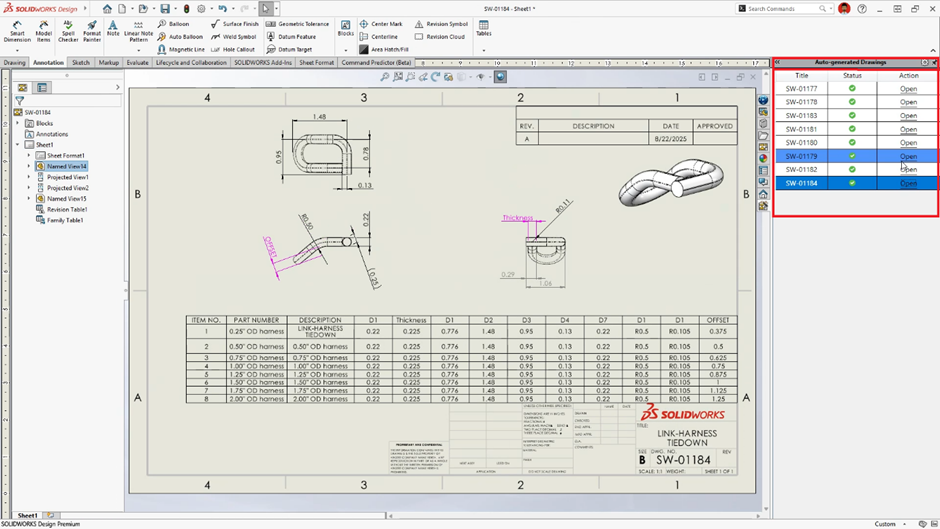
AI-Powered Drawing Generation (Beta)
Drastically reduce detailing time by leveraging AI to auto-generate drawing views, dimensions, and annotations based on your 3D model’s geometry and company standards.
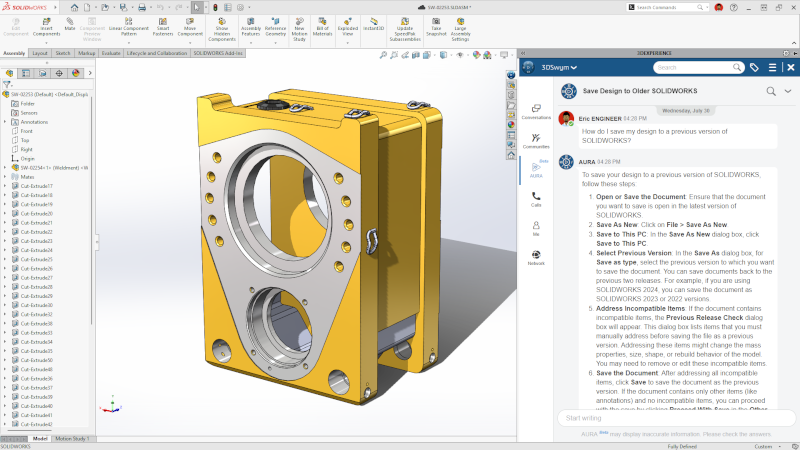
AURA AI Virtual Companion
Introduce AURA, your new AI-powered design assistant. Get real-time guidance on commands, troubleshoot complex geometry, and optimize your workflows with natural language queries.
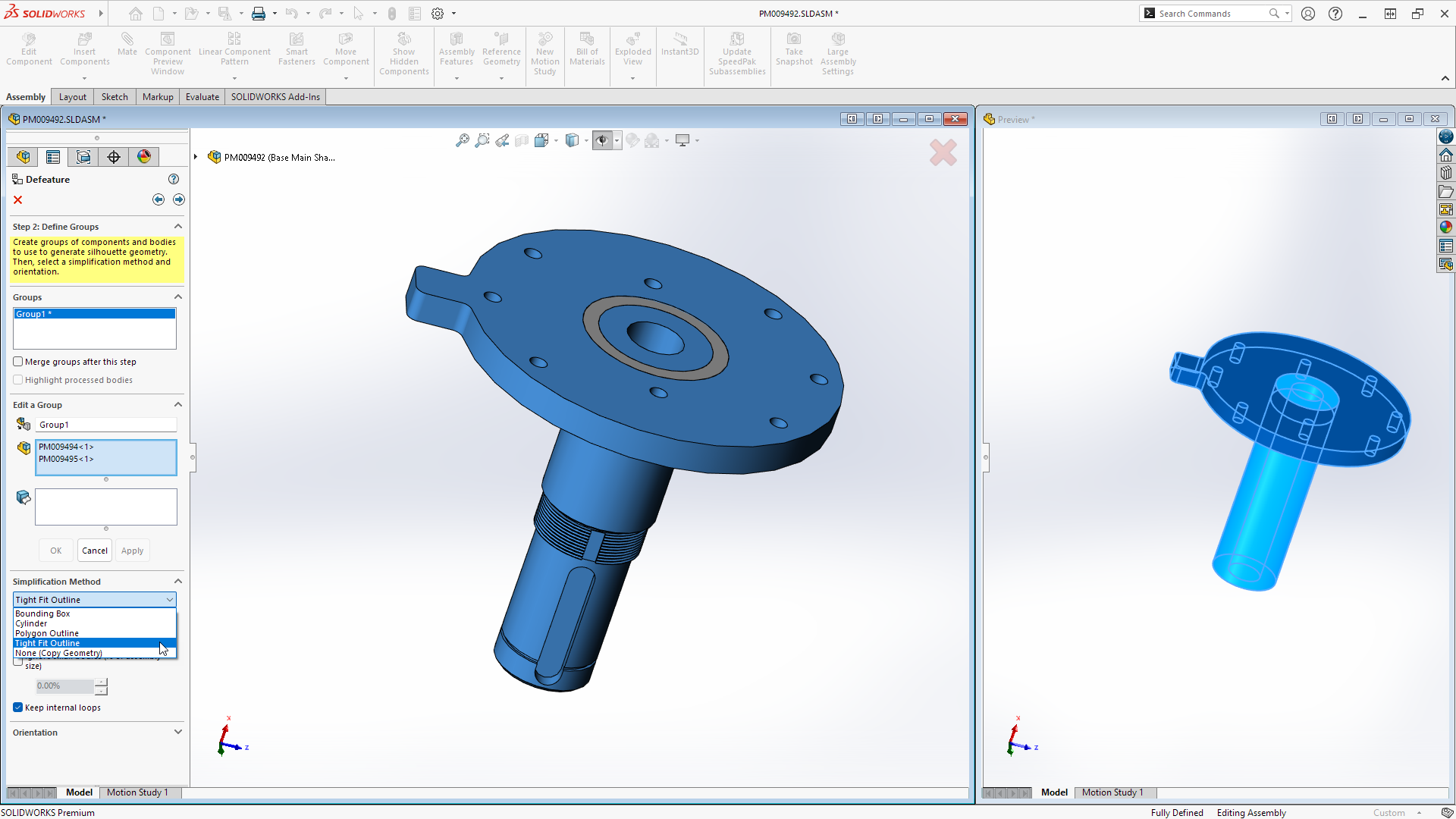
Automatic Fastener Recognition and Assembly
When inserting components into assemblies, SOLIDWORKS automatically recognizes components that appear to be nuts, bolts, or washers as fasteners and then assembles them accordingly.
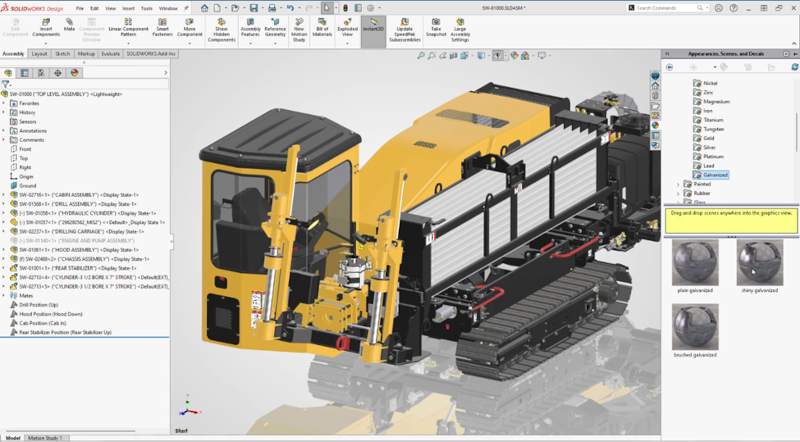
DSPBR Rendering Integration
Create stunning photorealistic visuals directly within SOLIDWORKS using the Dassault Systèmes Physically Based Rendering (DSPBR) engine, featuring enhanced material detail and realistic light behavior.

Enhanced Corner Treatments
Streamline weldment and structure system design with more flexible corner treatment options, allowing for complex miter and trim conditions in a single command.
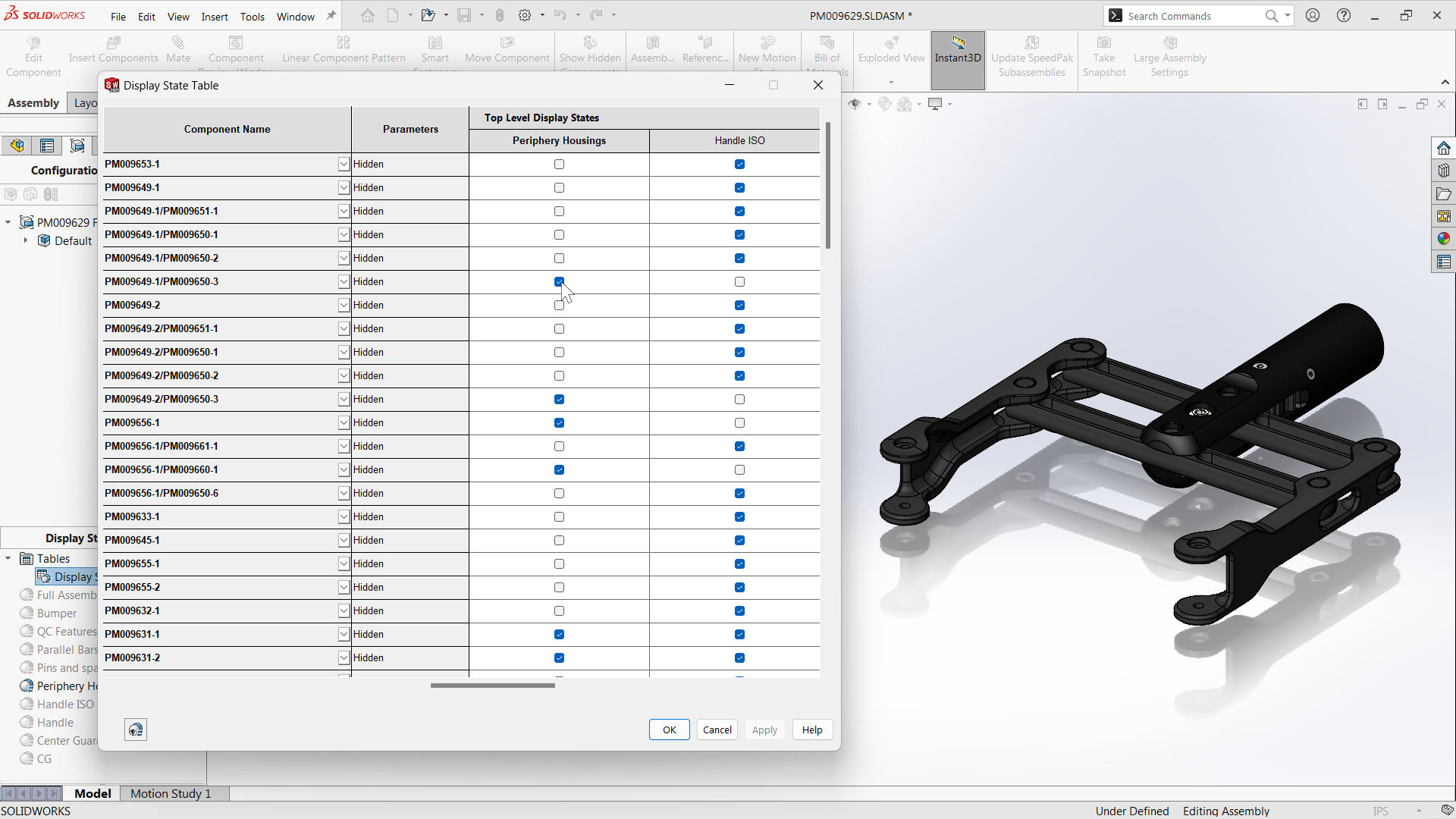
Custom Sheet Metal Start Points
Gain precise control over manufacturing by defining a specific custom start point for your sheet metal base flange sketches.
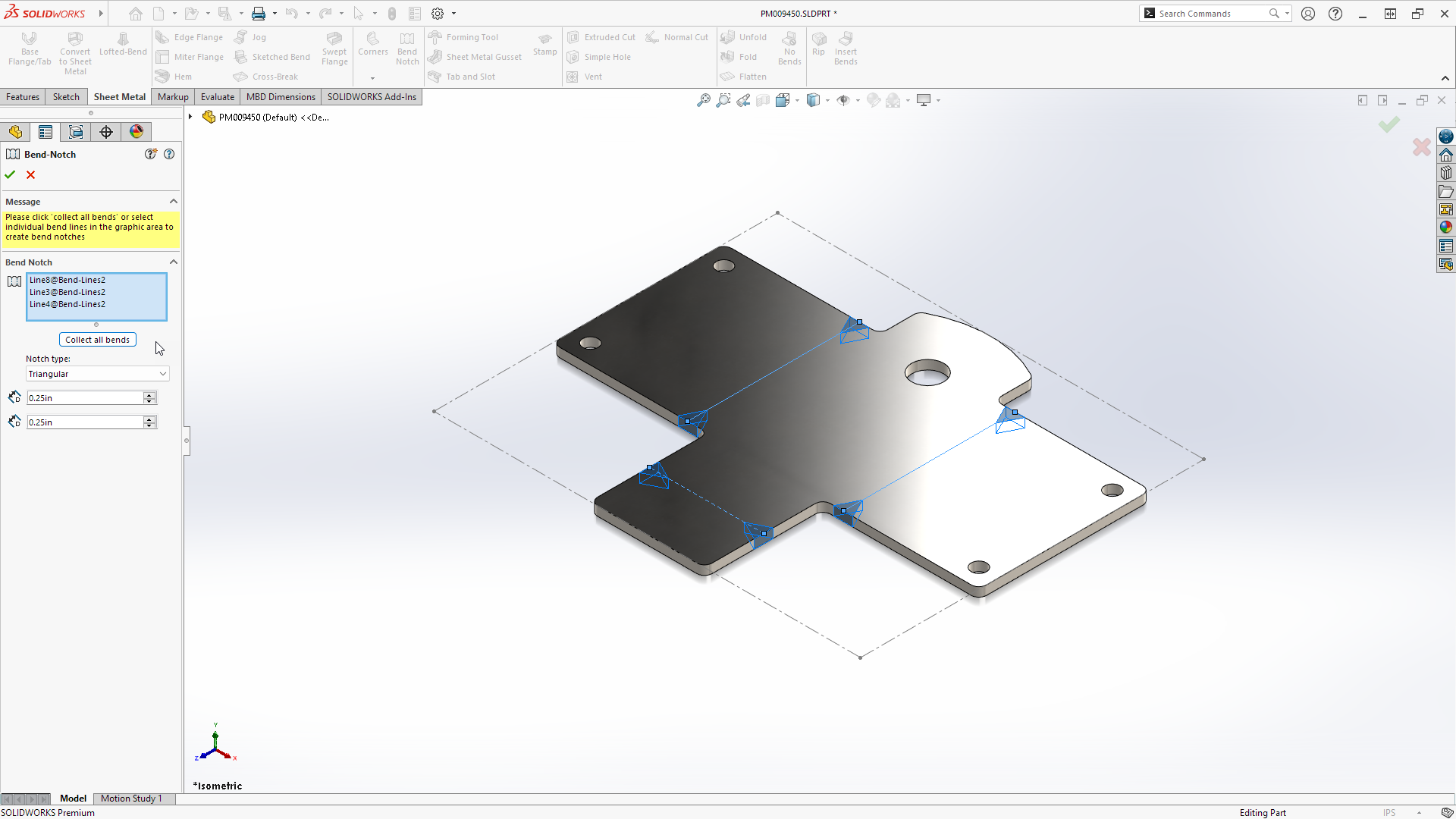
Internal Corner Breaks
Apply corner breaks and fillets directly to internal edges of folded sheet metal geometry for safer handling and cleaner designs.
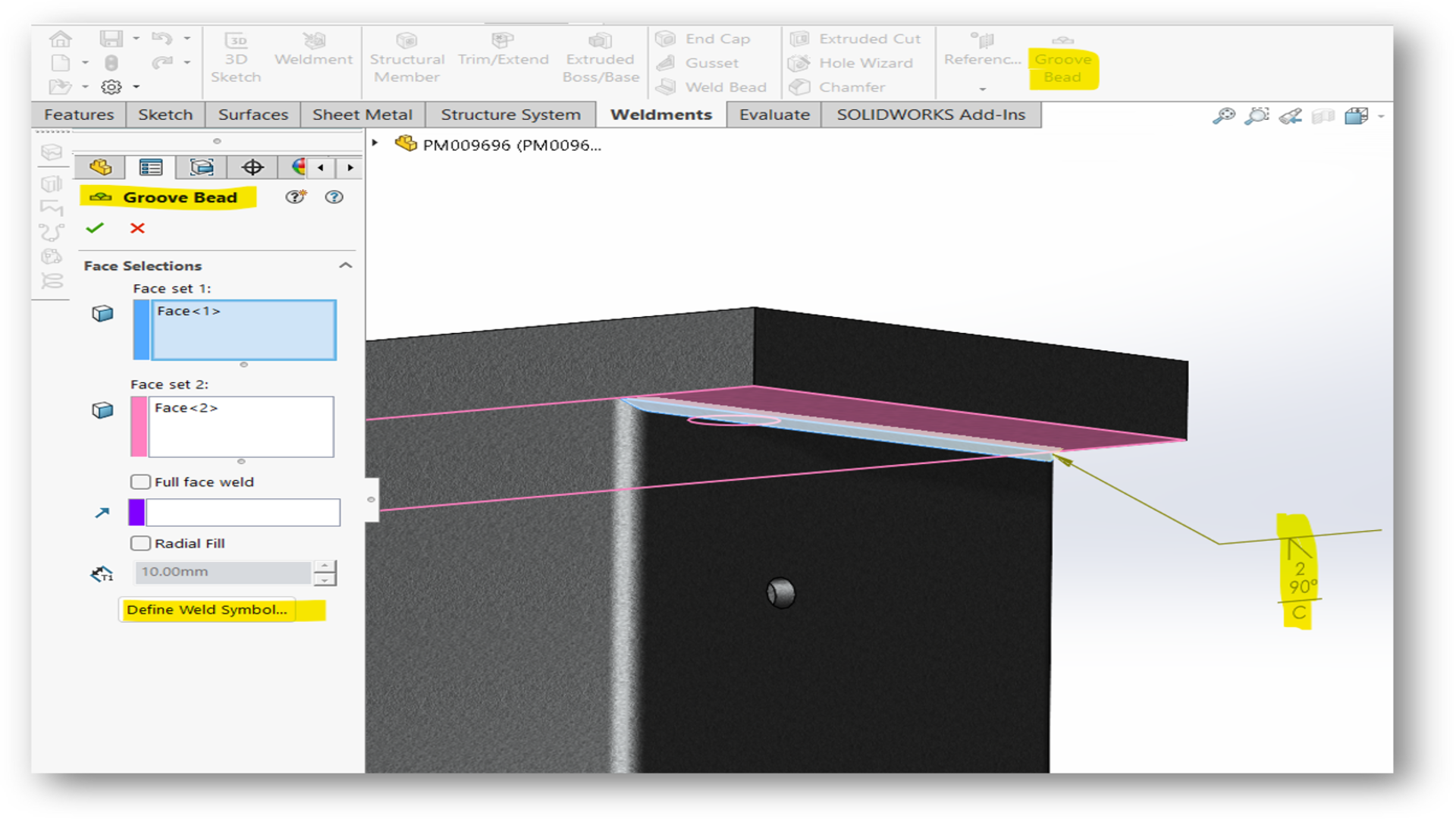
Auto-routing workflow improvements
Engineers can now model insulation jackets and other protective layers directly within routes and save them as reusable favorites.
Reference Points by XYZ Values
Speed up layout work by creating reference points directly through the input of coordinate values, simplifying the setup of complex skeletons and motion paths.
Multi-Body Part Selection Filter
Boost selection efficiency in complex models with an improved filter that allows you to isolate and select specific bodies or features within multi-body parts instantly.
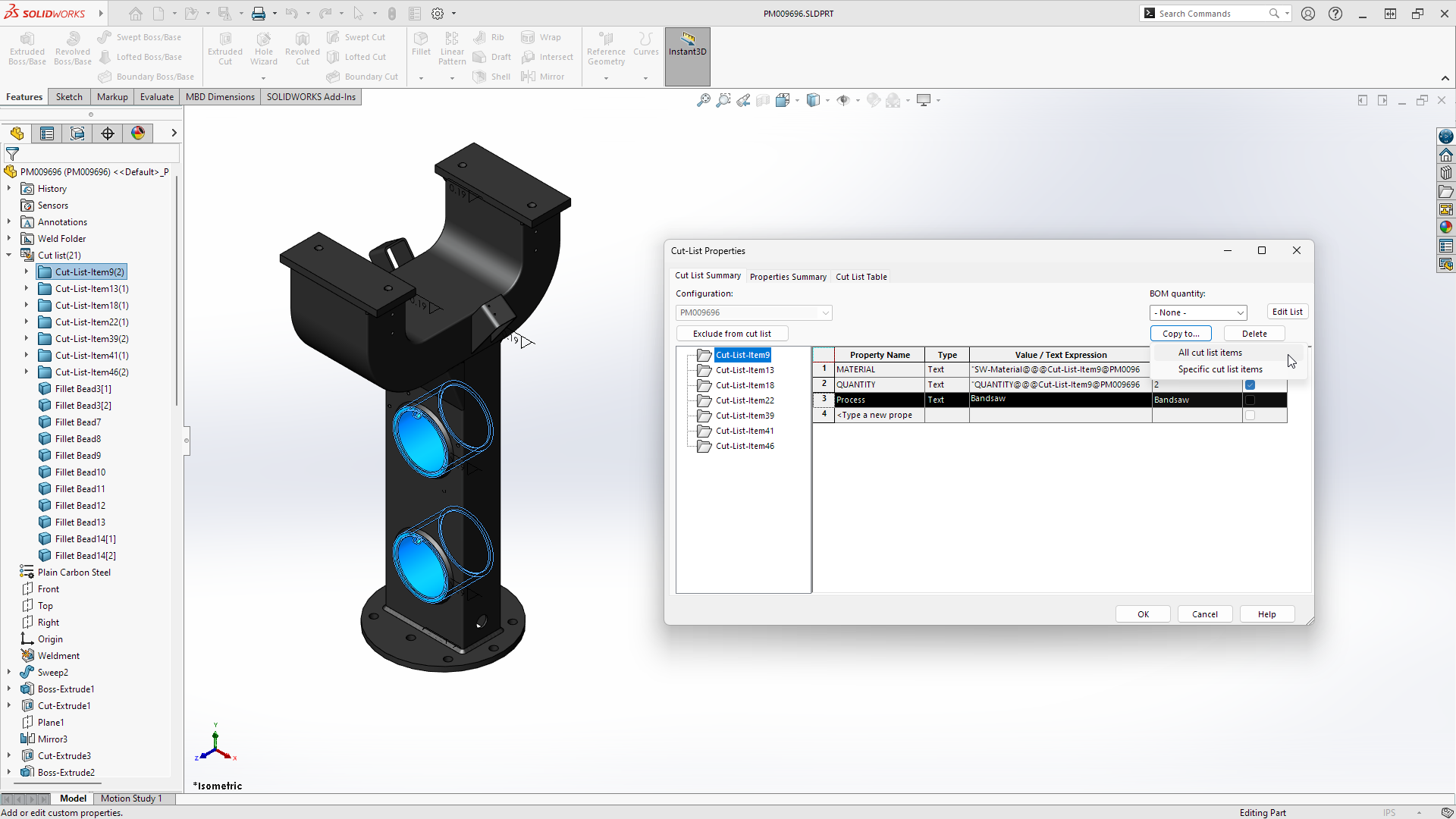
Link Cut-List Properties
Streamline data management by linking Custom Properties directly to Cut-List Properties, ensuring consistent metadata across BOMs.
Enhanced Bounding Box Control
Enjoy greater flexibility when defining bounding boxes, including new options to align with custom coordinate systems or specific faces.